

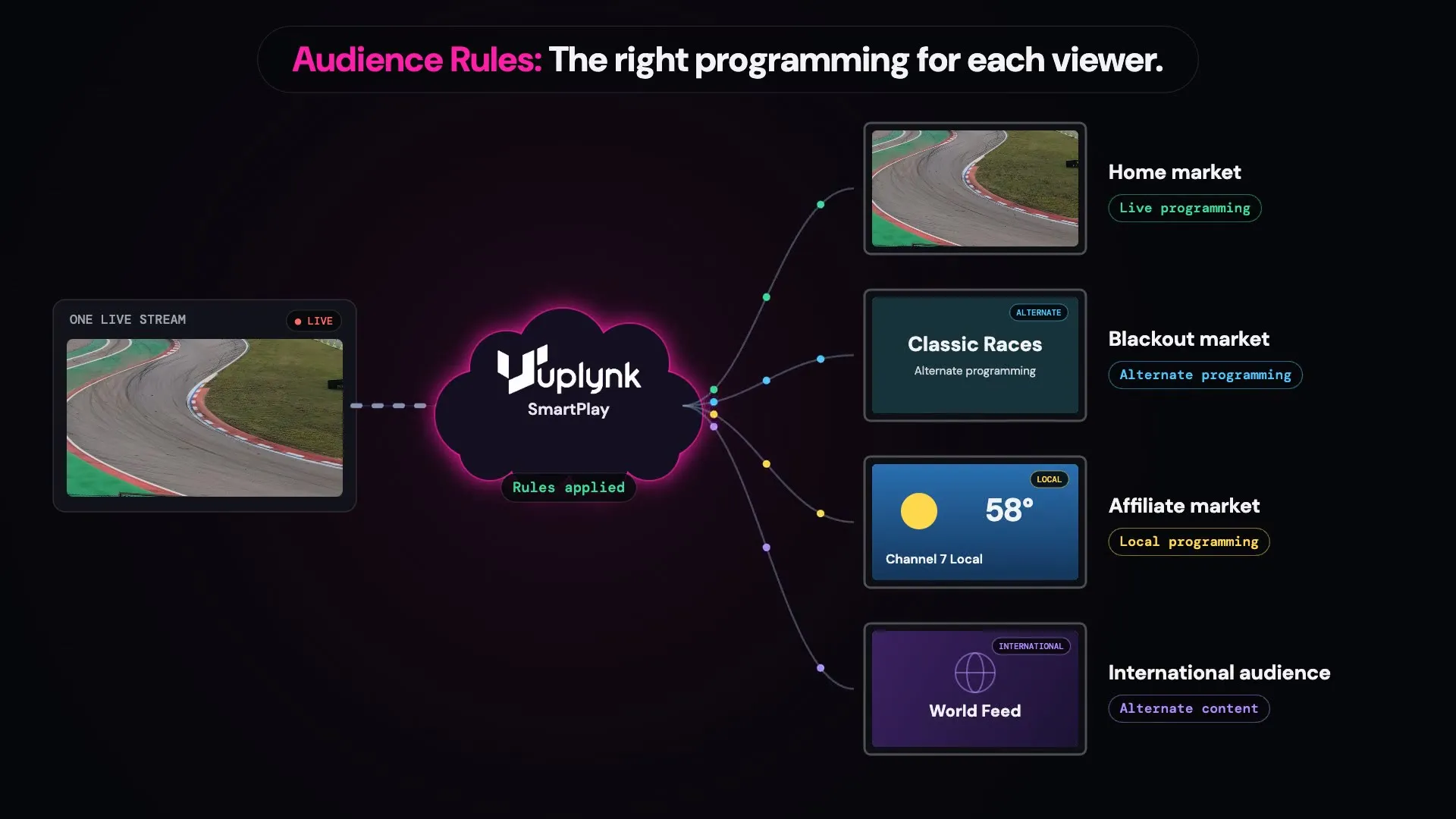
One stream. Different audiences. Different content.
Audience Rules evaluate each viewer against criteria you define and determine which programming that viewer should receive. Rules can be based on location, market, IP address, or device.
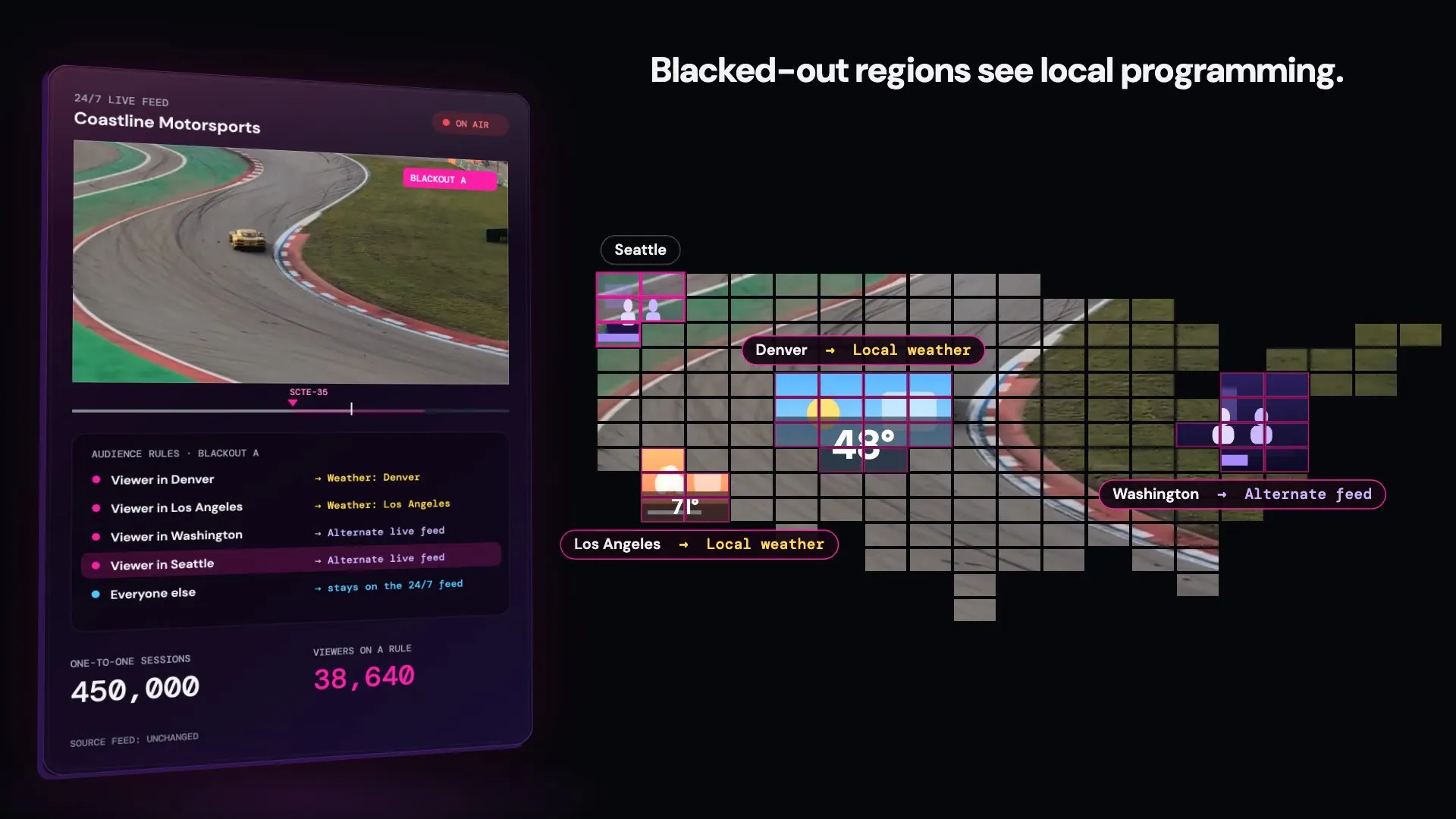
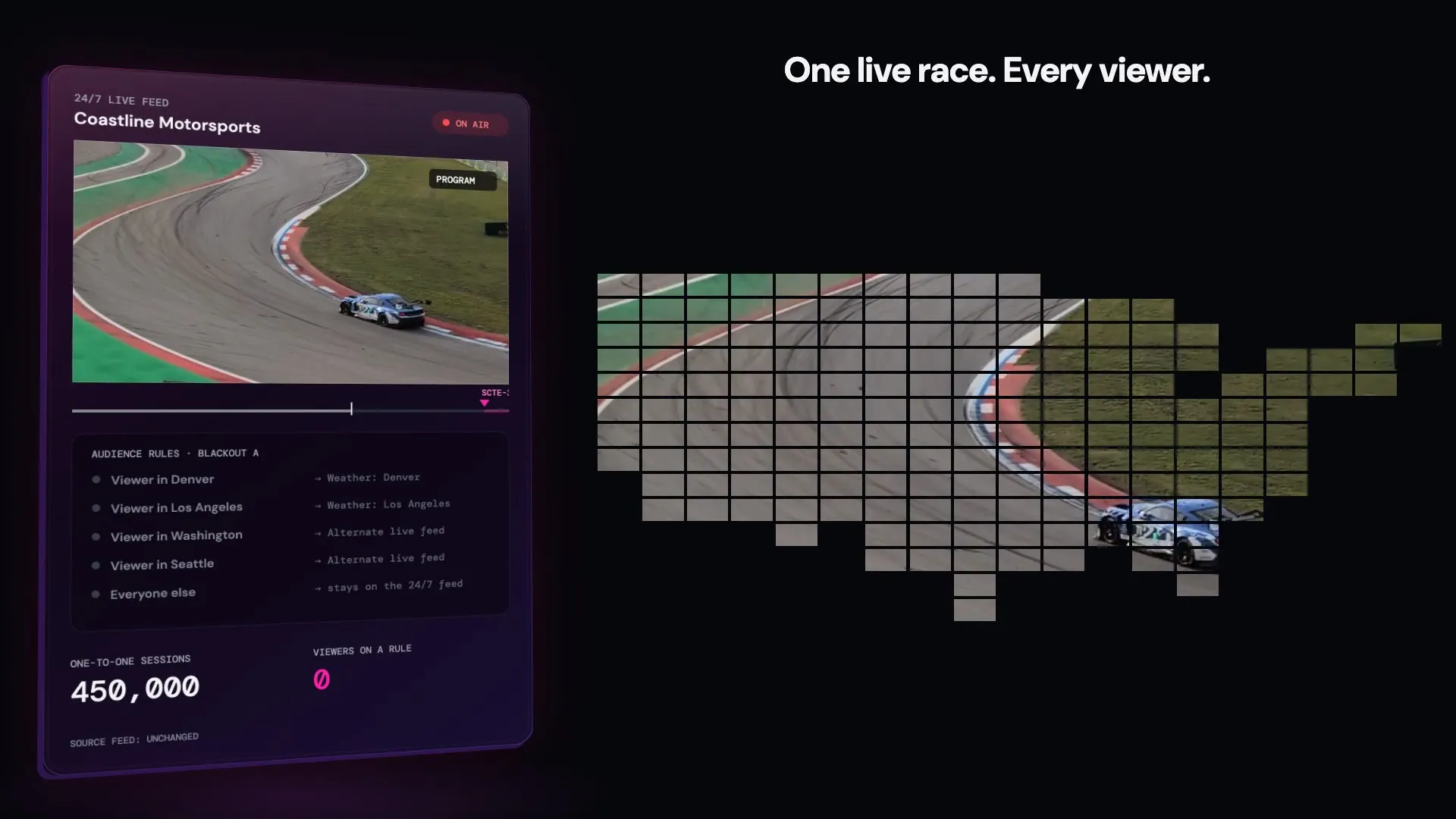
See it in action: A regional blackout
When programming is marked for a blackout, SmartPlay applies the configured Audience Rules to determine which viewers receive the scheduled programming and which receive alternate content.
From one live stream to the right content for every audience
Define your audiences
Create audiences based on criteria such as market, location, IP address, or device.
Set the rules
Define which programming each audience should receive and what should happen when a restriction or alternate rule applies.
Mark the programming
Identify the programming where specific Audience Rules should apply.
Uplynk evaluates each viewer
When the programming begins, SmartPlay evaluates each viewer against the configured Audience Rules.
Deliver the appropriate content
Eligible viewers receive the scheduled programming. Other viewers receive the alternate programming defined for that audience.
More than blackouts
Blackouts are one common use case. Audience Rules can also help deliver different programming experiences to different audiences from the same live workflow.
Regional Sports Rights
Deliver the live event where rights allow and alternate programming in restricted markets.
Affiliate Programming
Deliver local or affiliate-specific programming to the appropriate audience.
Local Market Content
Use audience criteria to determine which programming viewers in specific markets receive.
International Programming
Deliver alternate content when programming or rights differ by country or region.
Why Audience Rules matter
Protect Your Rights
Enforce regional, market, or audience-specific programming restrictions without creating separate viewing workflows.
Keep Viewers Watching
Replace restricted programming with alternate content instead of leaving viewers with a blank screen.
One Stream. Multiple Viewing Experiences.
Use Audience Rules to determine what different audiences receive while managing the experience from the same live workflow.
What are Audience Rules?
Audience Rules control which viewers receive scheduled programming and what content they receive instead when a rule applies. Rules can use criteria such as market, location, IP address, or device to create different viewing experiences from the same live stream.
What can an audience be based on?
Audiences can use criteria such as U.S. ZIP code, U.S. market area (DMA), country, IP address, or device. These criteria can be combined to create more specific audiences.
What do blacked-out viewers see?
You decide. Alternate content can include a slate, another live channel, on-demand content from your Uplynk library, or content from another Live Slicer.
How does Uplynk know where a viewer is?
Uplynk can determine a viewer’s approximate location from their IP address. Because VPNs, proxies, and IP-based location can affect accuracy, location information can also be supplied with the playback request.
Is a blackout the same as geoblocking?
No. Geoblocking restricts playback based on country. A blackout lets you restrict specific programming for applicable viewers and provide alternate content instead.
Do I have to black out the whole channel?
No. Blackouts can be applied to specific programming within a live channel, so the rest of the schedule can continue normally.
Explore More of SmartPlay
See how Audience Rules fit into the rest of the Uplynk platform.